PAYMENT FORM
FOLLOW THESE INSTRUCTIONS CAREFULLY:
1. Fill out the PAYMENT FORM until you see the Total Payable.
2. Pay the exact amount indicated in the Total Payable. You can make the payment using any of the Payment Methods indicated at the bottom of this page.
3. Take a screenshot or a photo of your receipt after successful payment. This serves as your Proof of Payment.
4. Upload your proof of payment on the Payment Form.
5. Submit the Payment Form
PAYMENT METHODS
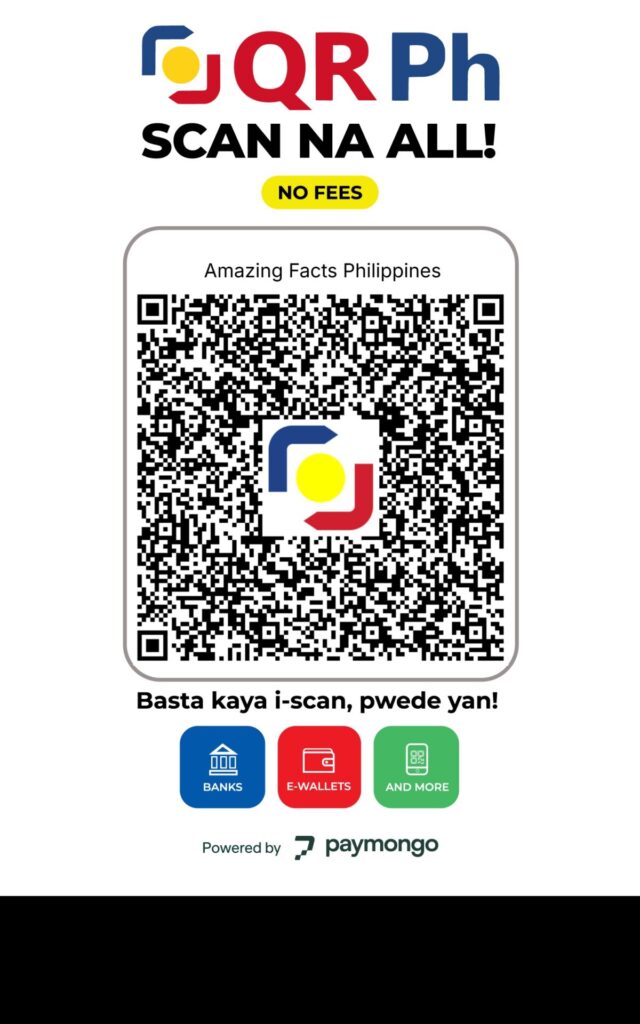
Choose your most convenient payment method. You will be redirected to the Payment Platform Page when you click any of the buttons below. Return to this page after a successful payment.
Pay via Paymongo
Credit Cards: Mastercard, Visa
E-wallet: GCash, GrabPay, Maya
Online Banking: BDO, BPI, Land Bank, Metrobank, Union Bank
Buy Now, Pay Later: Billease
Pay via BUX
Over-the-Counter: Bayad Center, Cebuana, ECPay, SM, Robinson, Palawan, USSC, Tambunting, Villarica, Petnet, etc.
Online Banking: RCBC, PS Bank, Security Bank, etc.
Pay via Paypal
Use your Paypal account to pay with your Paypal Balance, Credit Card, or Linked Bank Account
Pay via Money Transfer
Wire funds directly to our Bank Account. Use the following details:
Account Name: Kevin Pingol
Account Number: 3049-1298-81
Bank: Bank of the Philippine Islands
Swift Code: BOPIPHMM
Bank Address: #14 BPI QA España Bldg., Barangay Doña Josefa, Quezon Avenue, Quezon City, Philippines 1100
Branch Code: BR0030